
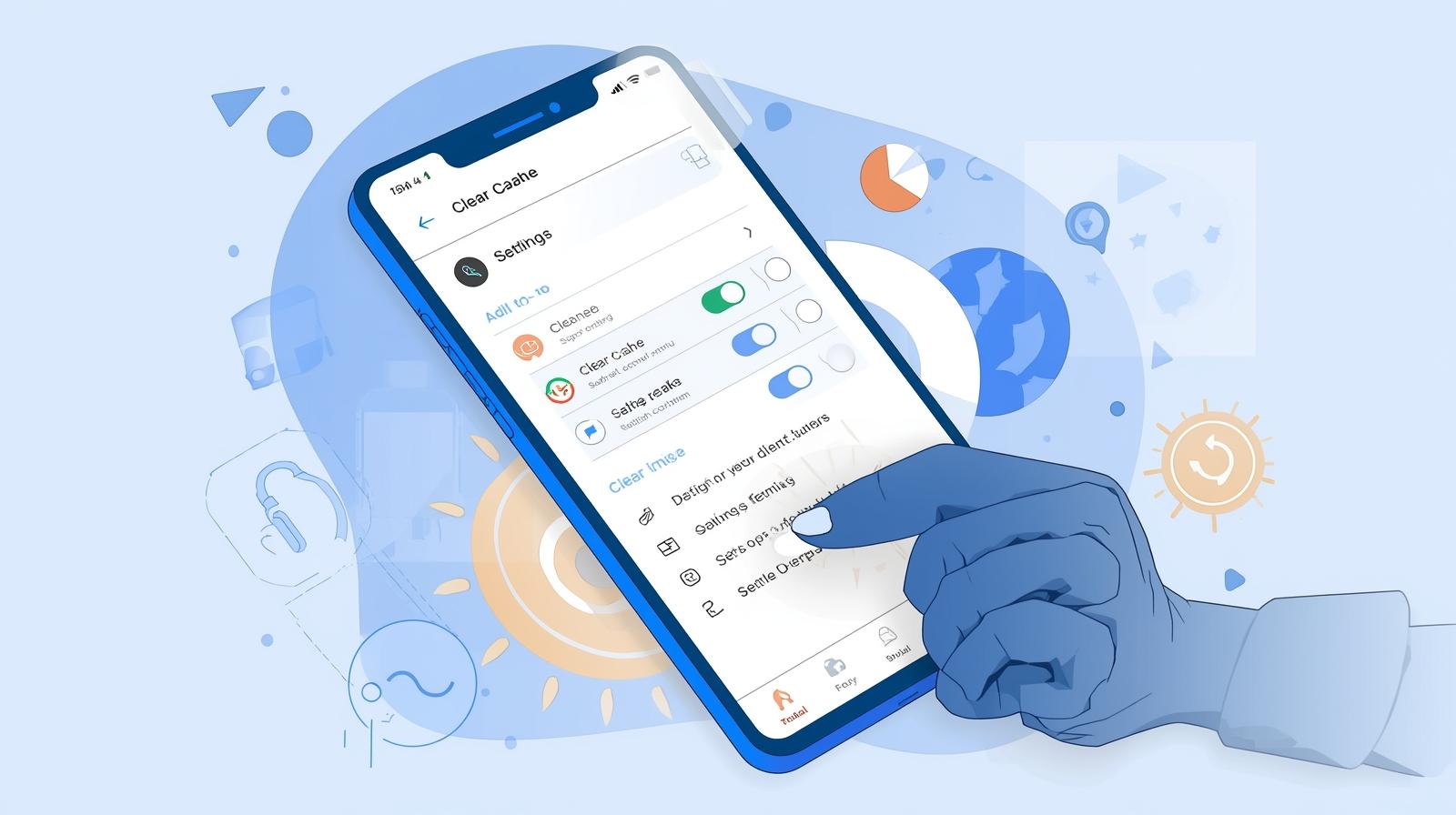
69: Precision Tool for Android Maintenance
Zero Cleaner: clear cache
In the crowded Android cleaner app market—often criticized for bloatware and aggressive advertising—Zero Cleaner emerges as a refreshingly focused utility. With over 1 million downloads and an impressive 4.7-star rating from 5,260+ reviews, this app from Red Soft takes a minimalist, technically precise approach to cache management. Unlike competitors that promise unrealistic performance boosts, Zero Cleaner does exactly what its name suggests: zeroes out app cache with surgical precision.
Core Philosophy: Focused Functionality
Zero Cleaner rejects the "kitchen sink" approach common in Android optimization apps. There's no RAM cleaning (which Android handles natively), no CPU boosting (largely placebo), and no antivirus scanning (redundant on modern Android). Instead, it concentrates exclusively on cache analysis and removal—a genuine maintenance need for devices with limited storage or apps that accumulate excessive temporary data.
Technical Implementation
Accessibility Service Integration
The app utilizes Android's Accessibility Service API to automate cache clearing—a necessity since Android 6.0 (Marshmallow) restricted direct cache access for third-party apps. This technical approach allows Zero Cleaner to navigate system menus programmatically, performing the same actions a user would manually: opening Settings → Apps → Storage → Clear Cache.
Privacy-First Design
Red Soft explicitly states that no data is collected or shared through the accessibility service. While the Play Store data safety disclosure indicates potential location and app activity collection (likely for analytics and crash reporting), the core cleaning function operates locally without cloud dependency.
Feature Breakdown
Cache Analysis Engine
- Scans installed applications for accumulated cache data
- Presents findings in a clean, organized list
- Shows per-app cache size with total accumulation metrics
- Identifies heavy cache consumers for priority cleaning
Manual Cleaning Mode
- One-tap clearing of individual app caches
- Bulk selection for mass cleaning operations
- Confirmation dialogs to prevent accidental data loss
- Visual feedback during cleaning process
Automatic Cleaning
- Background cache monitoring (Premium feature)
- Configurable cleaning thresholds
- Scheduled maintenance operations
- Smart detection of cache-heavy applications
History and Reporting
- Detailed logging of cleaning operations
- Storage recovery statistics over time
- Per-app cache accumulation tracking
- Exportable maintenance reports
Floating Dock
- Quick-access overlay for instant cleaning
- Configurable positioning and transparency
- Non-intrusive design that respects screen real estate
- One-tap activation from any screen
Real-World Performance
Effectiveness:
User reports indicate genuinely effective cache removal. One long-term user noted that after running Zero Cleaner, the majority of apps showed zero cache, with residual data under 30KB—essentially negligible. This level of thoroughness distinguishes it from "vanity cleaner" apps that merely delete superficial temp files while leaving substantial cache intact.
System Impact:
The app demonstrates minimal resource footprint:
- Small installation size (under 10MB typically)
- No background processes when not actively cleaning
- Battery-neutral operation due to event-driven architecture
- No persistent notifications or aggressive wake locks
✅ PROS:
Technical Excellence
- Genuine cache removal verified through system settings inspection
- Accessibility service automation provides functionality impossible through standard APIs
- Lightweight architecture avoids bloat common in competitor apps
- Accurate reporting with transparent before/after metrics
- No false promises about performance enhancement or battery optimization
User Experience
- Clean, ad-supported interface (with premium ad-free option)
- Logical workflow requiring minimal user education
- Floating dock convenience for power users
- Detailed history for maintenance tracking
- Responsive developer support via help.redsoft@gmail.com
Value Proposition
- Free tier functionality covers essential needs
- One-time premium purchase ($3.99) rather than subscription model
- Honest pricing without aggressive upselling
❌ CONS:
Technical Limitations
- Accessibility service dependency requires extensive system permissions
- Android version fragmentation causes inconsistent behavior across devices
- Automatic cleaning ambiguity—user reports indicate unclear threshold triggers
- No SD card support limited to internal storage cache
- Occasional verification failures where system settings show uncleared cache
User Experience Friction
- Setup complexity accessibility service activation intimidates non-technical users
- Visual minimalism may appear "unfinished" compared to glossy competitors
- No scheduling flexibility limited automatic cleaning customization
- Premium feature gaps automatic mode lacks user-configurable thresholds
- Support response time developer replies helpful but not instantaneous
Trust Concerns
- Data safety disclosure indicates location and app activity collection
- Mixed premium reviews some users report paid features not functioning
- Refund process requires direct developer contact rather than Play Store automation
Professional Assessment
For Technical Users:
Zero Cleaner represents the gold standard for cache management. The accessibility service approach, while permission-heavy, delivers results that "storage analyzer" apps cannot match. The detailed history and floating dock cater to power users who want granular control.
For Casual Users:
The app requires more technical comfort than marketed. Accessibility service setup involves navigating Android's security settings—a barrier for users expecting one-tap optimization. However, once configured, operation becomes genuinely simple.
For Enterprise/IT Administrators:
The detailed logging and consistent performance make this suitable for device fleet maintenance, though MDM (Mobile Device Management) deployment would require accessibility service policy exceptions.
Competitive Context
Zero Cleaner occupies a specific niche against:
- CCleaner, Clean Master: Avoids bloatware, advertising aggression, and false performance claims
- Files by Google: Offers more precise cache control than Google's built-in cleaner
- SD Maid: Less comprehensive than SD Maid but more accessible for casual users
- System Settings: Automates the manual process that most users neglect
The 4.7-star rating reflects satisfaction among users who understand Android storage mechanics, while negative reviews often stem from misunderstanding the accessibility service requirement or expecting automatic features to function without configuration.
The Verdict
Zero Cleaner: Clear Cache earns its strong rating through honest functionality and technical competence. It's not a "phone booster" or "optimizer" in the dubious marketing sense—it's a specialized tool that performs one task exceptionally well.
The 4-star rating (rather than 5) acknowledges the accessibility service friction, occasional premium feature inconsistencies, and the app's narrow scope. However, for users specifically seeking reliable cache management, this is among the best options available.
Bottom Line: Install this if you understand Android storage and want genuine cache control without bloatware. Avoid if you expect one-tap "phone optimization" or are uncomfortable granting accessibility permissions. The free version fully demonstrates capability; upgrade to premium primarily to support development and remove ads rather than for essential functionality.